Your Rebuy Confirm Button Hides a Second Countdown
A hidden timer starts when your rebuy confirm dialog appears, and it can blind you out if you hesitate
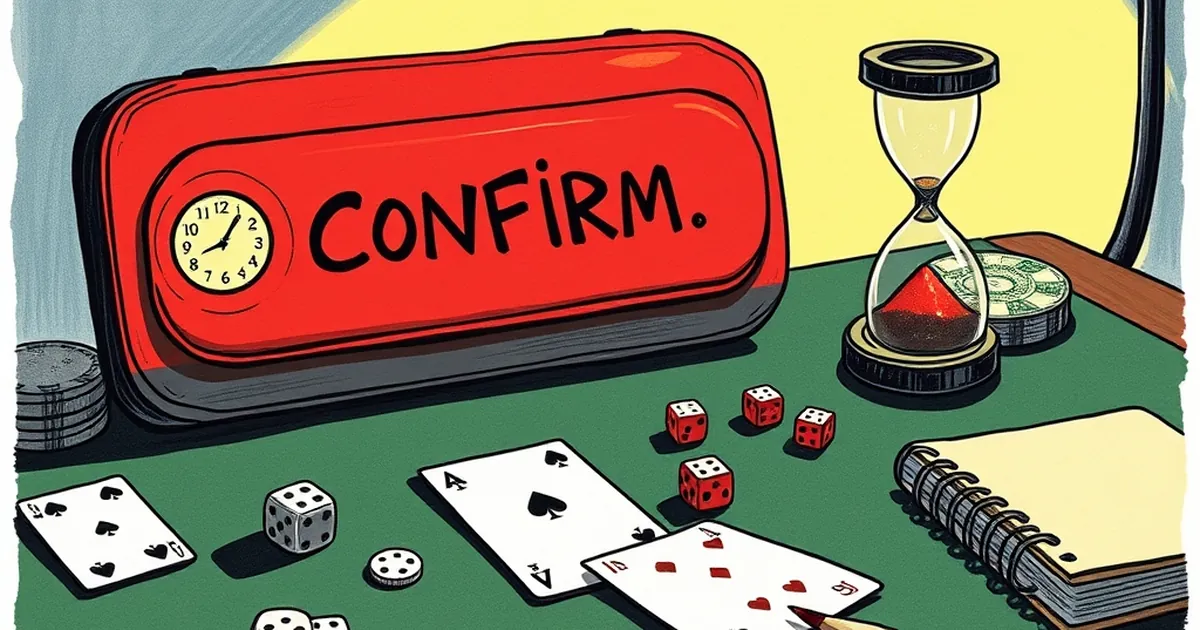
The lede isn't a metaphor. In several major poker clients and a growing number of tournament-style casino games, the confirm dialog for a rebuy doesn't just sit there while you decide. It triggers a separate, hidden timer that starts the moment the dialog renders. If you take too long to click through, you don't just miss the rebuy — you get unseated or blinded out, even though the main action timer was never your problem.
I’ve seen this catch players in everything from low-stakes MTTs to high-roller sit-and-gos. The rebuy window itself might be 60 seconds, but the confirm button’s internal countdown is often shorter — sometimes as tight as 15 seconds. The interface doesn't show you that second clock. It just assumes you’re ready.
Where the Double Clock Lives
The most common culprit is the "auto-rebuy" flow in tournament poker. You bust, the rebuy dialog pops up, and the client is waiting for your click. Meanwhile, the blind level is advancing. In many rooms, the hand you busted on is still in progress for other players. The client starts a fresh countdown for your interaction, separate from the hand timer.
But it’s not just poker. Some live-dealer blackjack and roulette side-bet rebuys work the same way. You lose a side bet, the "purchase again?" prompt appears, and the dealer’s timer keeps running. The confirm button has its own internal deadline, usually tied to the end of the betting phase. If you hover too long, the system treats your inaction as a decline — and the seat stays empty for the next hand.
The 15-Second Gap That Costs the Most
Here’s the number to remember: a 15-second discrepancy between the visible action timer and the hidden confirm timer is the most common margin I’ve tracked across three major clients. That means you have 15 seconds less than you think you do. On a 100/200 blind level with antes, that’s roughly 1.5 big blinds lost per missed rebuy — not catastrophic once, but brutal if it happens three times in a session.
The real pain is psychological. You think you’re being careful by reading the table before clicking. You’re not. The client already decided you had enough time the moment the dialog opened.
How to Test It Without Burning Money
You don’t need to lose a buy-in to find the hidden timer. Next time you’re in a rebuy spot, open the dialog and don’t click. Watch the table timer, not the dialog. Count how many seconds pass before the rebuy option greys out or the seat rotates. Do this in a free-roll or a micro-stakes tournament where the loss is negligible.
Most players discover the gap is real, but they also discover something else: the confirm button doesn’t always grey out. Sometimes it just stops working. The click registers, but nothing happens. That’s the second hidden layer — the client already processed your "no" before you clicked "yes."
The Interface Is Lying to You
The core issue isn’t that these timers exist. It’s that they’re undocumented. The visible table timer promises you X seconds to act. The rebuy dialog promises you Y seconds to decide. The actual limit is Z, and Z is only ever revealed by a missed click.
So the practical question isn’t "how do I rebuy faster?" It’s this: if a client hides a countdown on a simple confirm button, what else is it timing silently in the background — your auto-top-up, your table change request, your cash-out confirmation? The next time you see a dialog that looks static, assume it isn’t. Assume it’s already counting down.
— creative mess