Why Your Footer’s Social Media Icons Are Training Users to Leave
Why your footer’s social media icons may be sabotaging engagement by training users to leave your site for good
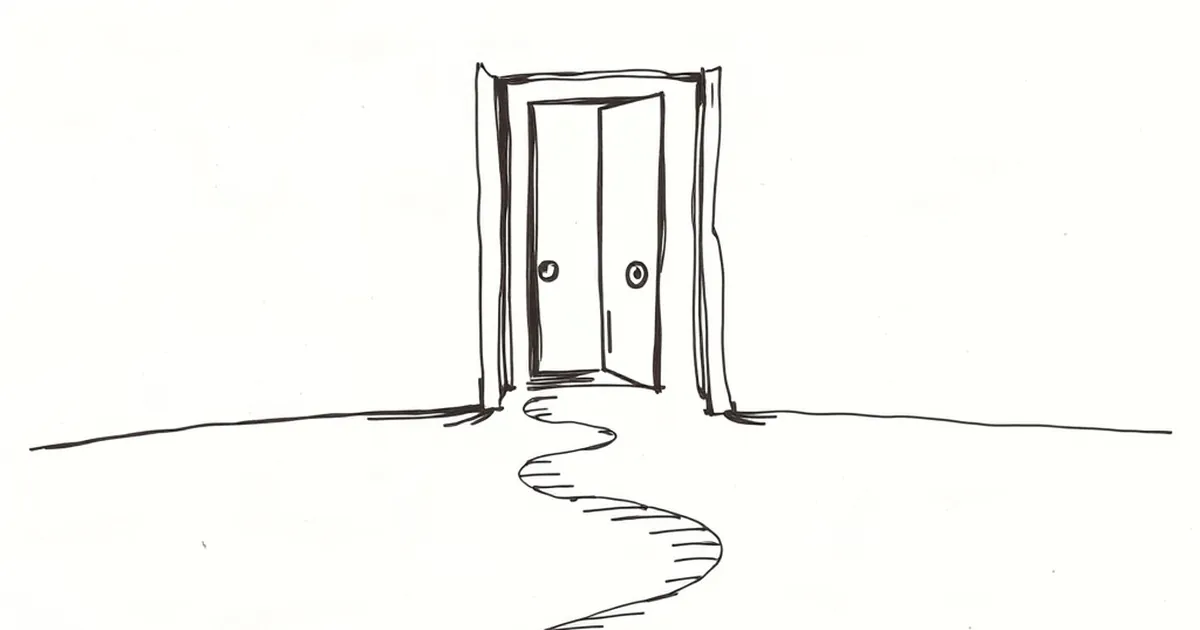
You’ve spent months perfecting your website’s user flow. The copy is sharp, the calls-to-action are clear, and your conversion rate is climbing. Then you look at your footer: a row of shiny social media icons, waiting like open doors to the rest of the internet.
Every time a visitor clicks one, they leave your site. And they probably aren’t coming back.
The Invisible Exit Strategy
Those little icons look harmless, even friendly. But from a user experience perspective, they are the most effective exit buttons on your page. You’ve spent all that effort keeping people engaged, only to hand them a direct ticket to Instagram, Twitter, or LinkedIn right when they’re about to make a decision.
The real problem? Most of these links open in the same tab. One click, and your carefully built website vanishes, replaced by a feed of cat memes or industry drama. You didn’t just lose a visitor; you lost context, trust, and momentum.
Why Users Click (And Why It Hurts)
It’s not that your audience is easily distracted. They click because they’re looking for social proof. They want to see if you’re active, if real humans run your business, or if you have a community worth joining.
The Trust Trap
I once worked with a small e-commerce brand that had a stunning product page. Their add-to-cart rate was solid, but checkout abandonment was high. We dug into the analytics and found a pattern: users would scroll to the footer, click the Facebook icon, land on a page with zero posts from the last year, and then leave the site entirely.
The footer wasn’t building trust. It was exposing a lack of activity. That abandoned Facebook page told visitors: This business doesn’t care anymore.
The Distraction Dilemma
Even if your social feeds are buzzing, you’re still competing against the entire internet. A user who clicks your TikTok icon might get pulled into a ten-minute scroll vortex. They forget they were about to buy your service or sign up for your newsletter. The sale evaporates because you handed them a distraction.
How to Fix It Without Removing the Icons
You don’t need to delete your social media links. You just need to change their role in your design.
Open in a New Tab (Always)
This is the easiest fix. Set every external social link to target="_blank". It’s a simple line of code that keeps your website open in the background. The user can check your profile and then close the tab, returning to your site without missing a beat.
Prioritize Your Primary Actions
Move the social icons to the very bottom of the footer, below your contact info, privacy policy, and key conversion links. Better yet, consider moving them to a secondary location, like a small "Find us on" section in the sidebar of your blog posts. Your footer real estate is valuable; don’t waste the prime spot on exits.
Curate, Don’t List
You don’t need every platform. If your audience is mostly on LinkedIn and Instagram, only show those two. More icons create more noise and more choices. A lean set of icons signals focus and intentionality.
A Better Use for That Footer Space
Think of your footer as a safety net, not a departure lounge. The best footers reinforce your core message, offer a clear way to get in touch, and list the pages that matter most (About, Services, Contact).
Social media icons can stay, but treat them like the emergency exits they are: clearly marked, easily accessible, but not the first thing a visitor sees. Your goal isn’t to trap users; it’s to give them a reason to stay before they decide to leave.
— creative mess