Why Your Cookie Consent Banner Is Driving Away More Customers Than Cookies
Learn how intrusive cookie banners hurt conversions and why your compliance fix may be driving customers away
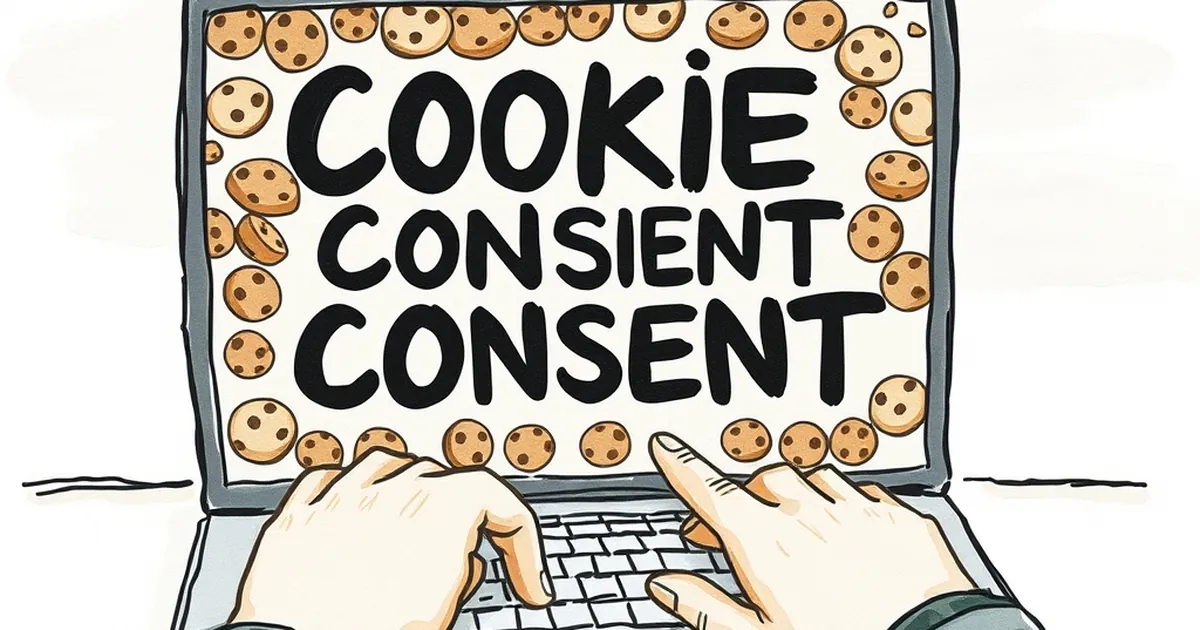
You finally got someone to your site. They clicked the Google link, waited for the page to load, and then… they hit a wall of text. Three buttons, two checkboxes, and a "Learn More" link. They don't care about your cookie policy. They just want to read the blog post or buy the thing.
That banner isn't protecting your business. It is actively chasing people away. Let's talk about why your compliance solution might be your biggest conversion killer.
The "Consent Wall" Trap
Most cookie banners do one thing well: they block the page. You have probably seen the versions that cover the entire screen with a semi-transparent overlay. There is no way to click "Accept" without reading a paragraph of legal jargon.
The Friction Problem
Every extra click is a tax on your user's patience. When a visitor has to decode your banner just to see your headline, you have already lost them. I recently tried to buy a pair of running shoes from a European brand. Their banner had a "Reject All" button buried inside a sub-menu. I left. I bought the shoes from Amazon instead.
The Trust Paradox
Ironically, an aggressive cookie banner screams "We are going to track you." A simple, clean banner that says "This site uses cookies for analytics" actually builds trust. It signals that you respect their time and their privacy.
Three Ways to Fix Your Banner (Without Breaking the Law)
You need compliance, but you don't need to be annoying. Here is how the smartest sites handle it.
1. Make "Reject All" the Hero Button
Do not hide the rejection option. Put it directly next to the "Accept All" button. Make them the same size, same color. This isn't just ethical; it's smart. When people see you aren't forcing them to accept, they often choose to accept anyway.
2. Stop Blocking Content Before the Choice
Your banner should be a small bar at the bottom or a discreet slide-in. Do not use a full-screen modal. The user should be able to read your page and scroll while the banner sits there. They can make the choice when they are ready.
3. Use Plain Language
Nobody knows what "Legitimate Interest" means. Write what you actually do. "We use cookies to show you relevant ads" is honest. "We use cookies to improve your experience" is a lie. Be specific: "We save your cart items" or "We count how many people visit this page."
A Concrete Example That Works
Look at how the New York Times handles their cookie banner. It is a thin strip at the bottom. You can see the article immediately. The "Continue" button is prominent, but the "Privacy Settings" link is clearly visible. They don't panic you into clicking. They respect your time, and as a result, you feel fine letting them track you for a better experience.
The Practical Takeaway
Stop designing for lawyers. Design for humans. Test your banner like you would test a checkout page. If your analytics show a high bounce rate on the landing page, your banner is the first suspect. Strip it down. Make it small. Make it honest.
The law requires you to ask permission. It does not require you to be rude. Your customers will thank you by actually sticking around.
— creative mess