Why Your Animated Logo Is Slowing Down First Impressions
Animated logos can sabotage first impressions—discover why instant-loading visuals build trust faster
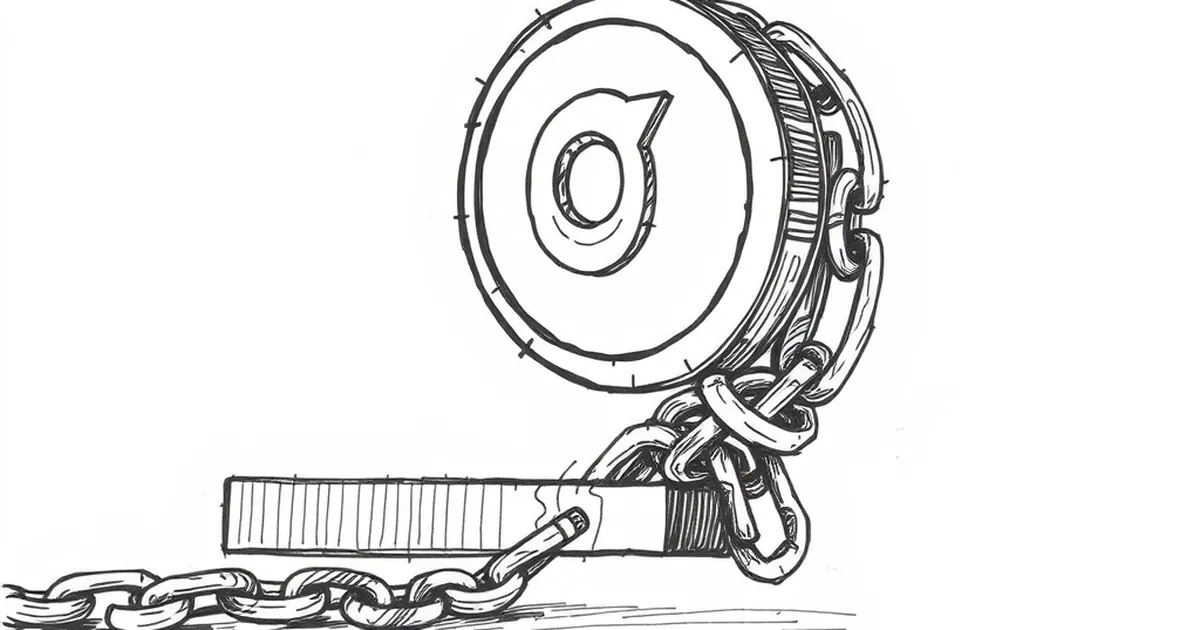
Your brand new website loads in a blink, the copy is sharp, and the color palette is on point. Then a visitor hits your homepage and waits… and waits… for a spinning logo to finish its ballet. That three-second animation is costing you more than you think.
The "Loading Experience" is Your First Impression
When someone clicks a link to your site, their brain starts forming a judgment in less than 50 milliseconds. If the first thing they see is a loading screen or a stalled animation, you’ve already lost a chunk of their goodwill.
A polished, static logo that loads instantly communicates confidence. A flashy, animated logo that buffers for two seconds screams, "We care more about showing off than serving you." It’s like a shopkeeper who makes you wait at the door while they finish a phone call.
Why Animated Logos Often Backfire
The Technical Tax on Your Site Speed
Every frame of your animation requires file size. A simple GIF can be 500KB or more. A complex CSS or JavaScript animation can block the browser from rendering anything else until it’s fully loaded. On a mobile connection in a crowded café, that’s a dealbreaker.
I once worked with a boutique coffee roaster who had a beautiful, hand-drawn logo that pulsed like a heartbeat. It looked incredible on their design mockup. On a real phone in 4G, the rest of the page sat blank for 3.2 seconds while that heartbeat loaded. Their bounce rate was 68% on mobile.
The Distraction Factor
Even if your animation loads instantly, it can still hurt you. A moving logo pulls the eye away from your headline, your call-to-action, and your value proposition. The visitor’s focus is split before they’ve even read a single word. It’s like having a neon sign flickering next to a menu board.
When Animation Actually Works
Not all motion is bad. The trick is to use it after the first impression is made. A subtle hover effect on your logo? Great. A micro-animation that triggers when someone scrolls to a section? Perfect. A loading screen that lasts longer than 0.5 seconds? Problematic.
Think of your logo as a handshake, not a dance. A firm, quick handshake sets the tone. A slow, elaborate handshake makes everyone uncomfortable.
The Better Approach: Static First, Animate Later
Here’s a simple rule I follow for client projects: serve a static, optimized image of your logo first. Get that on the screen in under 200 milliseconds. Then, if you must have motion, load the animation as a separate, low-priority asset that plays only after the page is fully interactive.
This way, the visitor sees your brand instantly. They can start reading and clicking. If the animation eventually loads and plays, it feels like a bonus, not a barrier.
A Practical Takeaway for Your Next Project
Before you finalize any animated logo, test it on a throttled 3G connection with a slow phone. If you feel even a hint of impatience, scrap the animation or save it for social media. Your homepage is not a theater. It’s a front door. Make sure it opens without a key.
— creative mess