Why Your AI Chatbot Is Answering Questions Customers Never Asked
Stop your chatbot from answering questions customers never asked—learn why it happens and how to fix it
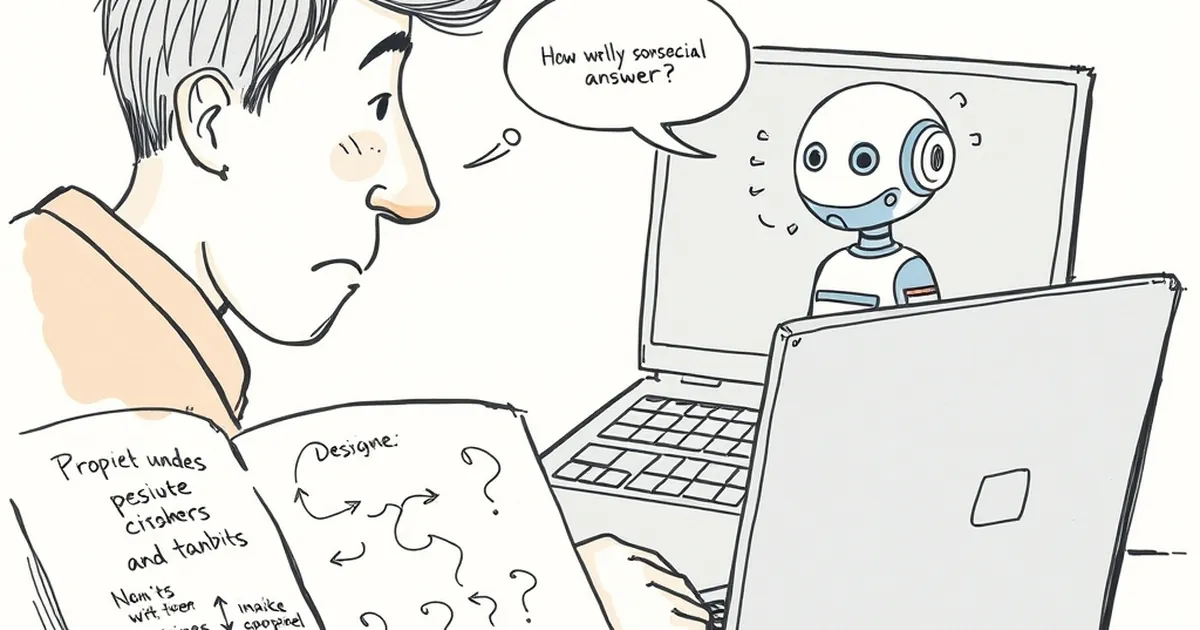
You’ve spent weeks training your chatbot, fed it your FAQ docs, and connected it to your knowledge base. Yet, customers are still sending frustrated messages. The reason is often simple: your bot keeps answering questions nobody is asking.
The problem isn’t that your bot is dumb. It’s that it’s too eager to show off everything it knows. Let’s look at why this happens and how to fix it without losing your mind.
The "One Answer to Rule Them All" Trap
Most chatbots are built to find the single best answer for a query. If a customer types "shipping," your bot might pull up a 500-word policy on international freight. But the customer just wanted to know if you ship to Canada.
This happens because bots are trained on intent matching, not conversational flow. They see keywords and jump to the most common answer, not the most relevant one. It’s like handing someone the entire manual when they ask for the page number.
Why Customers Walk Away
When a bot answers a question that wasn't asked, it creates friction. The customer feels unheard. They might rephrase the question, get the same irrelevant answer, and then click the "talk to a human" button. That defeats the entire purpose of automation.
A concrete example: I once worked with a small e-commerce store that sold handmade candles. Their bot kept answering "returns" with a detailed policy about damaged glass jars. But 80% of their return questions were about "scent not matching." The bot was answering the wrong problem because it was trained on the wrong data.
How to Stop Answering Ghost Questions
The fix isn't more training data. It's better context and smarter fallbacks. You need to teach your bot to ask clarifying questions before it blurts out an encyclopedia entry.
Use Disambiguation First
If a user asks "How do I cancel?" and your bot has three cancellation flows (subscription, order, account), don't guess. Train it to ask: "Are you looking to cancel an order or your subscription?" This simple step cuts irrelevant answers by half.
Limit the Knowledge Scope
Your bot doesn't need to know everything at once. Segment your knowledge base by user intent. If someone is asking about "billing," don't let the bot pull up "product specs." Use tags and categories to narrow the search space. A focused bot is a useful bot.
Add a "Did I Get That Right?" Step
This sounds basic, but most bots skip it. After delivering an answer, add a quick prompt: "Does this answer your question?" If the user says no, the bot should apologize and ask for a rephrase. That tiny loop saves you from a cascade of wrong answers.
The Real Cost of Over-Answering
Every irrelevant response erodes trust. Your customers start to see the bot as a roadblock, not a helper. They'll either churn or demand human support for everything, which kills your cost savings.
The irony is that the bot thinks it's being helpful. It's just that its definition of "helpful" is "provide all information," not "provide the right information." You have to teach it the difference.
A Forward-Looking Takeaway
The next wave of chatbot design isn't about making bots smarter. It's about making them more humble. A bot that says "I'm not sure, let me ask for clarification" is infinitely more useful than one that confidently answers the wrong question.
Your goal should be to design for ambiguity, not just accuracy. Start by auditing your bot's most common wrong answers. Then strip away the data that feeds them. You'll end up with a bot that talks less but helps more.
— creative mess