When Should You Move From Page Builders to Custom Code
Learn when page builders limit your site's performance and why switching to custom code can unlock faster speeds and greater control
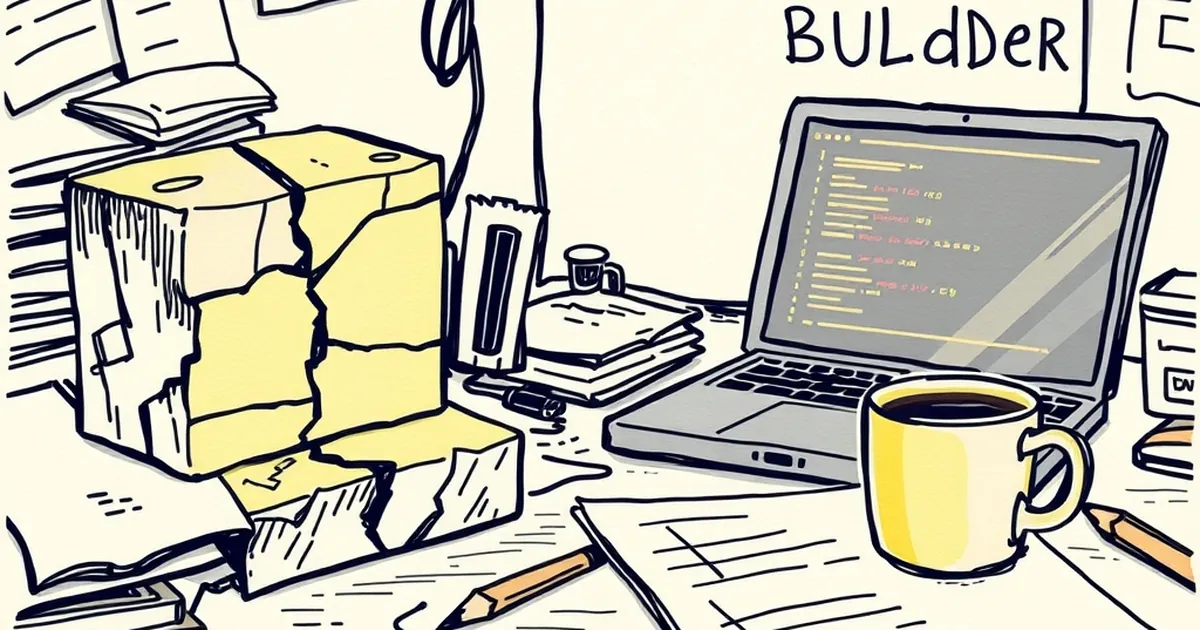
You’ve spent months tweaking your site in Elementor or WPBakery. It looks good, it loads okay, and clients aren’t complaining. But somewhere in the back of your mind, a nagging thought creeps in: Is this page builder holding me back?
The answer isn’t always yes. But when it is, switching to custom code can feel like swapping a tricycle for a road bike. Here’s how to know when you’re ready to make the leap.
The Performance Ceiling
Page builders are heavy. They load dozens of CSS and JavaScript files you never asked for, just to render a simple two-column layout. For a personal blog, that’s fine. For a business site that needs to load in under two seconds, it’s a problem.
I once worked on a WooCommerce store built with a popular builder. Every product page had 14 extra HTTP requests from the builder’s bloated front-end assets. Switching to a custom theme cut load times by 40% and boosted conversions by nearly 15%. That’s real money.
If your Lighthouse scores are stuck in the 60s and you’ve already tried every caching plugin, the page builder is likely the bottleneck.
When Customization Becomes a Fight
Page builders are great for standard layouts. But what happens when you need a custom checkout flow, a dynamic filtering system, or a unique hover animation that matches your brand perfectly?
You start hacking. You inject custom CSS into a tiny text box. You install a third-party plugin that conflicts with your builder. You end up with a fragile mess that breaks every time you update the builder.
Custom code gives you full control. You write exactly what you need, nothing more. If you need a custom post type with a specific archive layout, you build it. No workarounds, no bloat, no surprises.
The Maintenance Trap
Here’s a dirty secret: page builders require constant upkeep. Every major update can break your layouts. I’ve seen entire hero sections disappear because a builder changed its column class names.
With custom code, you control the versioning. You use Git. You deploy changes deliberately. A WordPress core update won’t nuke your homepage because you’re not relying on a third-party plugin to render your HTML.
Yes, you need to maintain your custom code too. But it’s predictable. You know exactly what you’re maintaining, and you can test it locally before pushing live.
The Skill Threshold
Let’s be honest: custom code requires a certain comfort level with HTML, CSS, PHP, and maybe JavaScript. If you’re not there yet, don’t force it.
But here’s a practical middle ground: start with a lightweight starter theme like Sage or Underscores. Use a builder only for content pages, and hand-code your templates for critical pages like the homepage, product pages, and checkout. You don’t have to go all-in overnight.
The goal isn’t to abandon builders forever. It’s to know which parts of your site deserve the performance and flexibility of custom code, and which parts are fine with a drag-and-drop approach.
Your Practical Takeaway
Next time you build a site, ask yourself: Will this page still look and work the same way in two years? If the answer depends on a plugin update from a company you don’t control, it’s time to start writing your own code. Even if you start small—just the homepage, just the header—that one custom component will teach you more about real web development than a year of dragging blocks ever could.
— creative mess