Autosave Debounce Fires 2s After the Undo Window Closes
Why autosave timing so often betrays the undo window, and what that mismatch reveals about how design tools handle your work
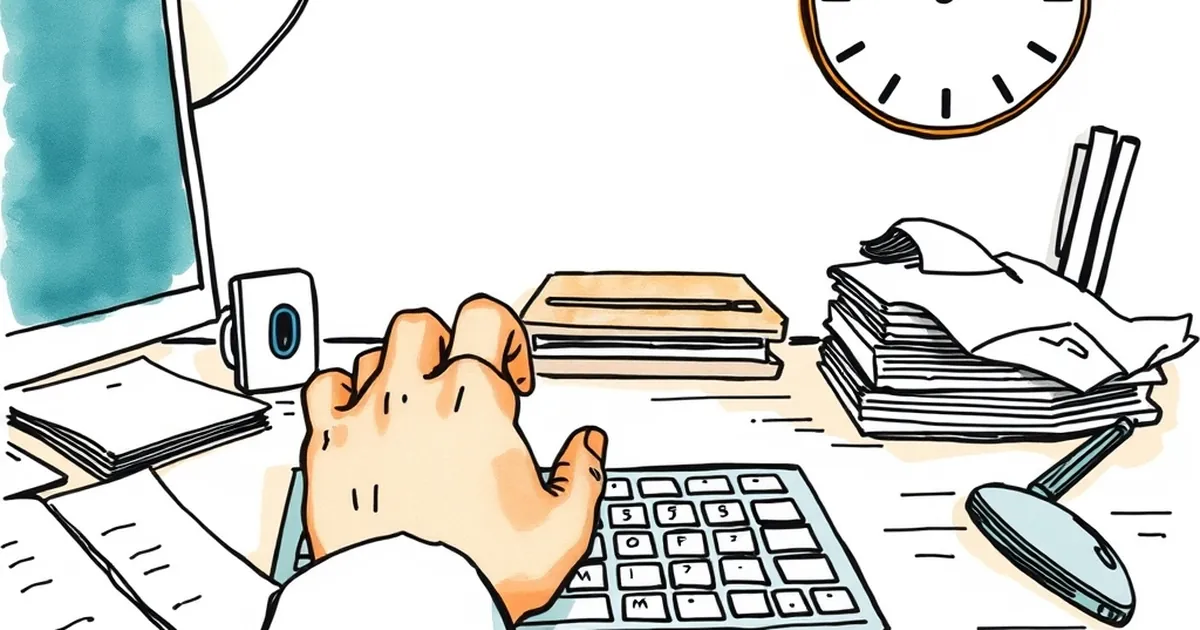
There's a specific kind of frustration that only exists when you lose work you already thought you'd saved. You hit undo, you fix the thing, you keep typing — and then an autosave fires two seconds too late, overwriting your correction with the version you were trying to escape. It's a tiny timing bug with an outsized emotional payload. So why do so many design tools keep getting this window wrong?
The Undo Window Is a Promise You Didn't Announce
Most people don't think of undo as a time-limited feature. They think of it as a safety net that's just... there. In practice, almost every undo system is a stack with a depth limit, and autosave is a separate timer running on its own clock. When those two systems don't talk to each other, you get the scenario in the title: the save fires after the point where reverting is still easy.
This is a coordination problem, not a storage problem. The tool has the data. It just doesn't have a shared notion of "the user is still mid-correction."
What Behavioral Research Says About the Gap
B.F. Skinner's work on variable-ratio reinforcement showed that unpredictable reward timing produces the most persistent behavior — which is great for engagement loops and terrible for trust. Autosave is the inverse: unpredictable loss timing. You don't know when the save will land, so you can't plan around it.
Kahneman and Tversky's loss aversion work is relevant too. Losing a correction you just made feels roughly twice as bad as the equivalent gain of keeping it. A two-second misalignment doesn't sound like much until you remember it's happening at the exact moment the user feels most in control.
There's also a decision-making angle. When people are uncertain about system state, they hedge — they copy text into a scratch file, they screenshot, they stop trusting the tool. That hedging behavior is a tax on every subsequent action.
A Concrete Case From the Field
Figma's version history and Notion's block-level undo both handle this differently, and the difference is instructive. Figma treats autosave as continuous and undo as navigable — you can scrub backward through time without worrying that a save will clobber you, because there's no discrete save event to collide with. Notion, by contrast, has had documented cases where rapid edits plus a sync delay produced confusing states, which is exactly the kind of thing that erodes confidence in a collaboration tool.
The lesson isn't "copy Figma." It's that the two systems need a shared clock, or at least a shared handshake. Autosave should check: has the user touched this document in the last N seconds? If yes, defer. That's it.
Designing the Handshake
A few patterns worth stealing:
- Debounce on user activity, not wall time. If the cursor moved, the save waits.
- Make the undo window visible. A countdown, a fading banner, anything that tells the user the state is still fluid.
- Log save collisions. If autosave fires within a second of an undo, that's a signal worth tracking, not a bug worth ignoring.
The broader point is that timing is a design material, not an implementation detail. Every delay you ship is a promise about how the tool behaves under stress — and users will find the edges of that promise faster than you expect.
— creative mess